
CANsmart Controller GEN II pro R1300GS (Adventure) R12 G/S
Code: H3-EZL-004Related products


Product detailed description
One smart controller for up to 4 types of accessories. It is compatible with the new R1300GS model.
Auxiliary lights (up to two pairs)
Rear auxiliary brake light
Sound Bomb Horns
33 programmable settings
DENALI's CANSmart™ controller allows plug-n-play installation and integrated control of up to four accessories allowing for dozens of customizable settings that can be controlled directly with the BMW "WonderWheel" control wheel or with CANsmart™ Access Manager software (for Windows and Mac)
Four dedicated circuits are pre-programmed to connect and independently control two sets of DENALI 2.0 headlights (one set drawing up to 10A and one drawing up to 4A), a SoundBomb horn and a B6 auxiliary brake light. However, a clever "simple circuit override" feature allows you to use any accessory on any of the four circuits.
Two auxiliary light circuits allow independent adjustment of the auxiliary light brightness directly from the BMW "WonderWheel" controller on the handlebars. It is also possible to set the auxiliary lights to strobe when you honk or use the horn.
The Denali B6 auxiliary brake light turns a regular brake light into a "smart brake light", which is supplemented by light signaling, multiple flashes and light activation by heavy deceleration.
The horn circuit allows the addition of an auxiliary heavy horn without the need to add a relay and additional wiring harness.
The package includes:
(x1) CANsmart Controller
(x2) 4-foot LED Light Extension
(x1) 5-foot SoundBomb Horn Extension
(x1) Pigtail brake light
(x4) Zip Tes
(x1) Velcro adhesive
(x1) Micro USB Programming Cable
33 Available settings Via CANsmart software Access Manager
Easy Installation:
(1) Connect the CANsmart™ Controller
The CANsmart™ connects to the motorcycle's CANbus electrical system via the Tire Pressure Monitor (RDC) connector located under the passenger seat.
(2) Train
Run the power wires to the battery. Connect the horn extension harness and light extension harnesses to the CANsmart™ unit and to the installed accessories.
(3) Connect to Battery
Connect the terminals from the CANsmart™ unit to the battery.
(4) Connect Accessories
Simply connect your accessories and you're ready to ride. No custom programming is required as the default settings are already preset for two sets of auxiliary lights, the horn and the auxiliary brake light.
With CANsmart™ Access Manager software, you can reprogram each circuit individually.
The default control looks like this:
On/Off:
Press the turn signal cancel button for three seconds to turn on light set 1 or three times quickly to turn on light set #2
Light dimming:
Hold the "Wonderwheel" knob to the left (for light set one) or right (for light set two) for three seconds to enter dimming mode. You can then turn the knob to adjust the intensity for each set of lights separately.
Flash to Pass
Flash to Pass function; press the high beam button three times quickly and your auxiliary lights will flash at full intensity.
Horn with Flashing Lights
press the horn button and your auxiliary lights will flash at full intensity along with your horn
For complete setup options, please see PDF Instruction Manual (English)
Detailed ENG instructions here.
The horn circuit allows you to add an additional horn without the need to add a relay and a special horn wiring harness.
Easy circuit switching.
- BMW R1300GS Trophy (2024)
- BMW R1300GS Triple Black (2024)
- BMW R1300GS Option 719 Tramuntana (2024)
Additional parameters
| Category: | BMW R1300GS 23- |
|---|---|
| Part type: | Navi / electronics, Lights |
| Universal - specific: | Model Specific |
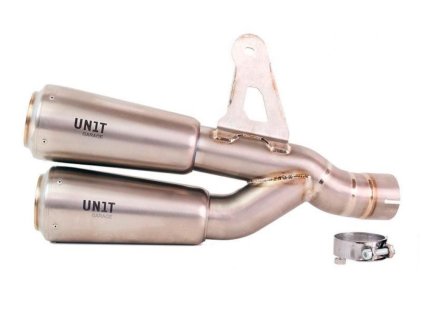 Code: 4023T_2XU150DX_
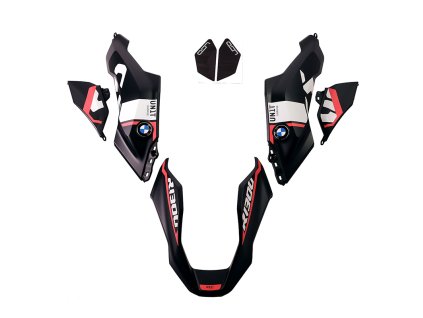
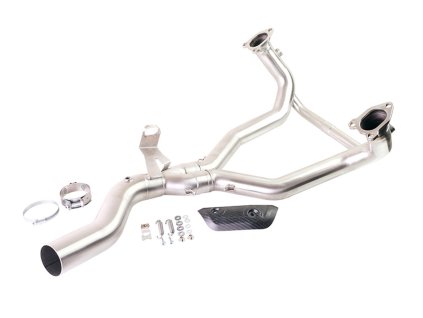
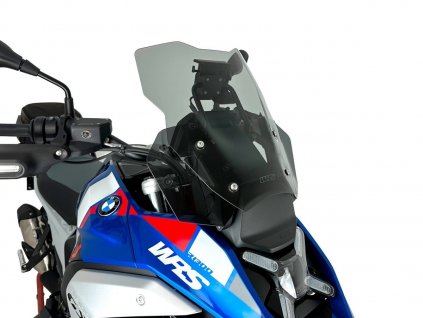
 Code: AL1C_BL-4002_BL
Be the first who will post an article to this item!